Excellent quality!
I had a question about sizing and the support team replied right away.
Tillmart
Couldn't load pickup availability
Brand Name: XIAOMI
Certification: CE
Choice: yes
Connectivity: WIFI(2.4GHz)
High Definition: 1080P(Full-HD)
High-concerned chemical: None
Lens (mm): 2MM
Lens Quantity: Single Lens
Megapixels: 3 MP
Model Number: XMSXJ09CM
Origin: Mainland China
Power Supply: Normal
Smart home platform: Mi home
Style: Dome Camera
Supported Operating Systems: No
Whether or Not 50Vac or 75Vdc or Higher Power Supply: No
Zoom: 4X
Zoom type: Digital zoom
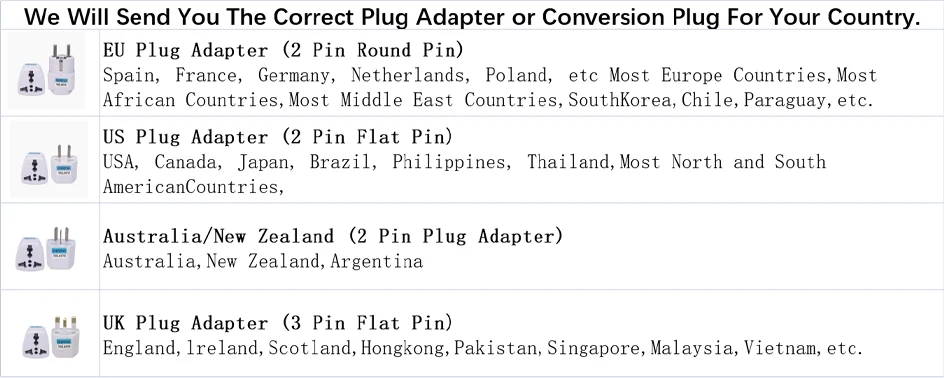
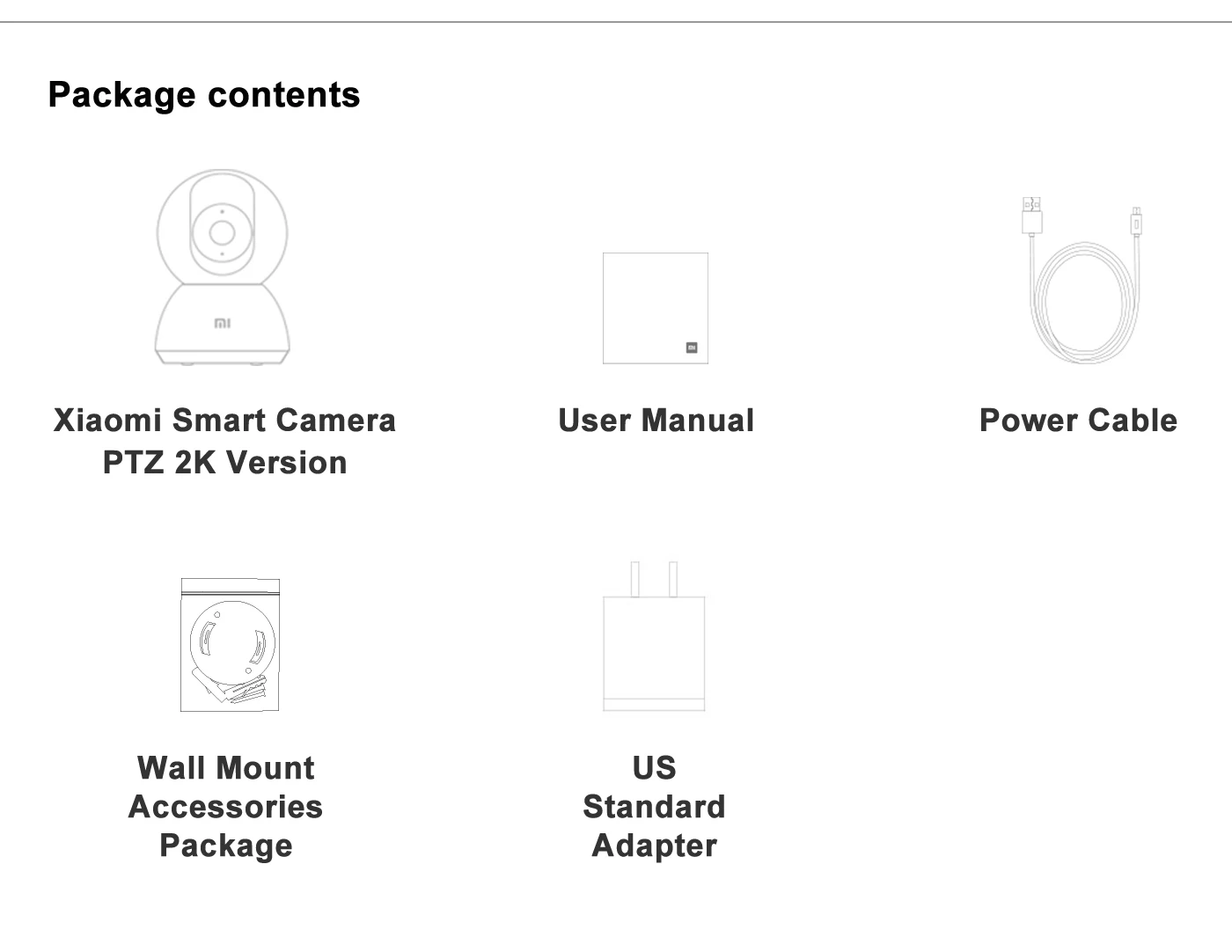
This product is originally a US standard plug. Please choose the plug in your region when placing an order, and we will provide you with an adapter.
This product is in Chinese. When connecting Mi Home APP, you need to switch the region in the APP to "Chinese Mainland" first, and then connect according to the instructions.
User Instructions:
1.Please download the Mi Home app first. After downloading, Click "Profile" - "Additional settings".
2.In "Language & region", set "Region" to "Chinese Mainland".
3.Connect the power.
(1) Insert the power adapter cable into the camera power port, and the camera will automatically power on.
(2) The indicator light will be solid yellow, and you will hear a voice prompt indicating successful power-on.
(3) Click the "+" in the upper right corner, then click "Scan".
4.Follow the on-screen instructions to reset the product. Click "Device Reset".
5.Select Wi-Fi and Click"Next".
6.Continue until the connection is successful.
*The app server can only be selected as Mainland China. Ensure a smooth network connection during connection, with the camera turned on normally and the indicator light solid yellow; after successful connection, the indicator light will be solid blue.

Powering On: Insert the power adapter cable into the camera's power port, and the camera will automatically power on. The indicator light will be solid yellow, and you will hear a voice prompt, indicating successful startup.
Connecting to Mi Home App: This product is already integrated into Mi Home, allowing control through the Mi Home app and seamless integration with other products. Scan the QR code to download and install the Mi Home app. Users who have already installed the Mi Home app will directly access the device connection page. Alternatively, you can search for "Mi Home" in the app store, download, and install the Mi Home app. Open the Mi Home app's homepage, click the "+" in the upper right corner, and follow the app's prompts to add the device.











Please allow 10–14daysfor pre-order delivery.

I had a question about sizing and the support team replied right away.
Super helpful and polite — made the whole process smooth.
Fast delivery and nice packaging. Loved it.
Will definitely order again.